
Noteworks: The Best App for Learning to Read Music Notes
At the American Conservatory of Paris, we are always on the lookout for tools that support our students’ progress between lessons. One app we have been excited to recommend is NoteWorks, a note-reading app for music students, a game that is genuinely engaging while building a real skill, reading music notation fluently and quickly.
Whether you are a beginner working on the treble clef or an advancing student tackling bass and alto clef, NoteWorks meets you where you are. Here is a closer look at what it offers and why we think it belongs in your practice toolkit.
How the Game Works
The gameplay is simple and satisfying. Notes appear on a staff and travel across the screen toward you. Your job is to name each note before it gets lit on fire. Get it right, and you score points; take too long, and the note goes up in flames. The fire truck eventually puts out the fire on all the incorrect notes, and the player gets a second chance to name the note. The more accurately you respond, the higher your score, and the more your sight-reading instincts sharpen.
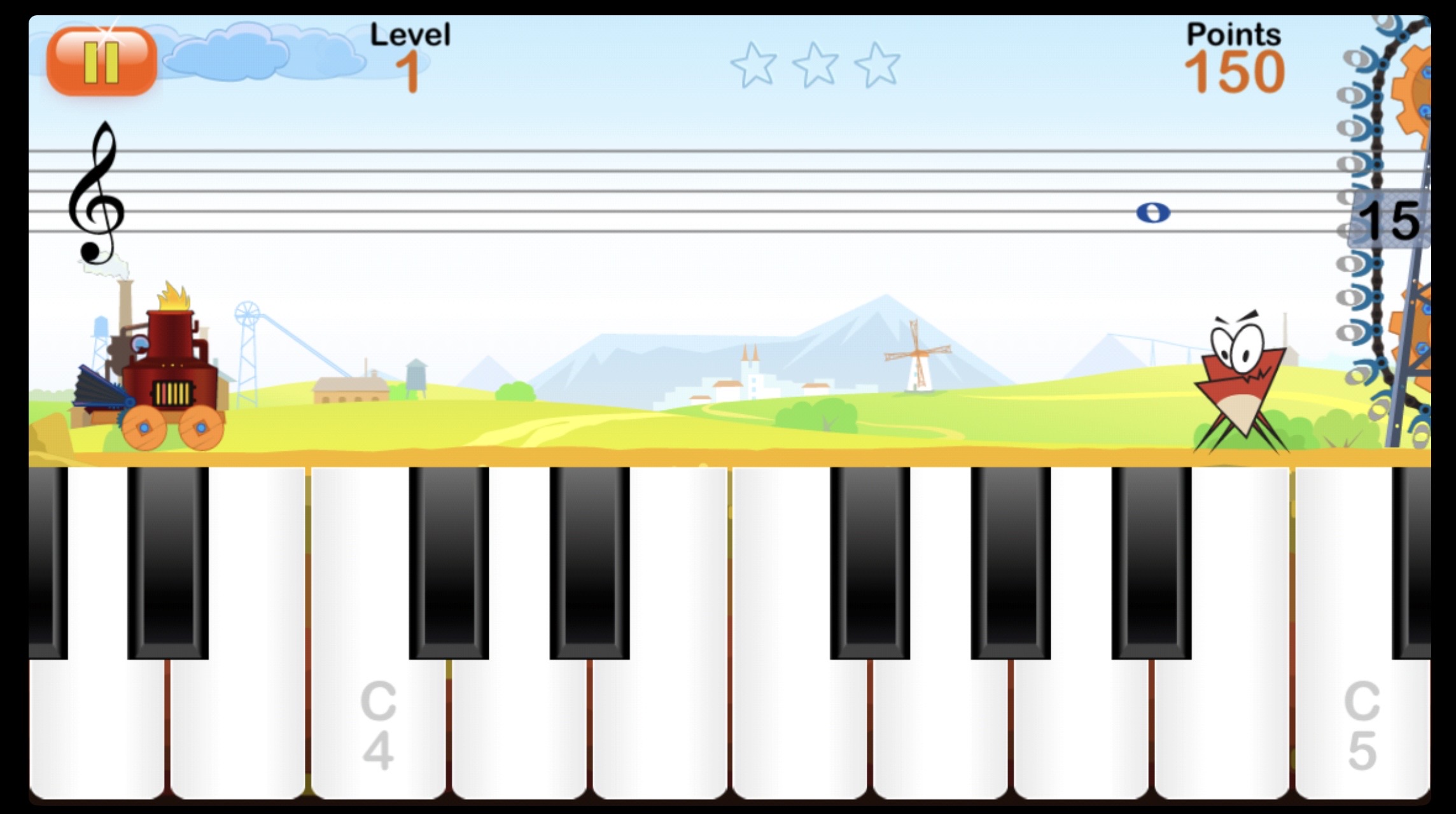
The main gameplay view: notes scroll across the treble clef staff, and you tap the correct note name at the bottom of the screen.
This app tracks your level, points, and stars, so there is always a clear sense of progress. It is this kind of low-stakes repetition that builds fluency without feeling like a flashcard drill.
Two Naming Systems: A-B-C and Do-Re-Mi
One of NoteWorks’ standout features is that it supports both major note-naming conventions — the letter names used in English-speaking countries (C, D, E, F, G, A, B) and the French solfège system (Do, Ré, Mi, Fa, Sol, La, Si).
For students at our Conservatory who may be navigating between French and English musical traditions, this flexibility is genuinely valuable.
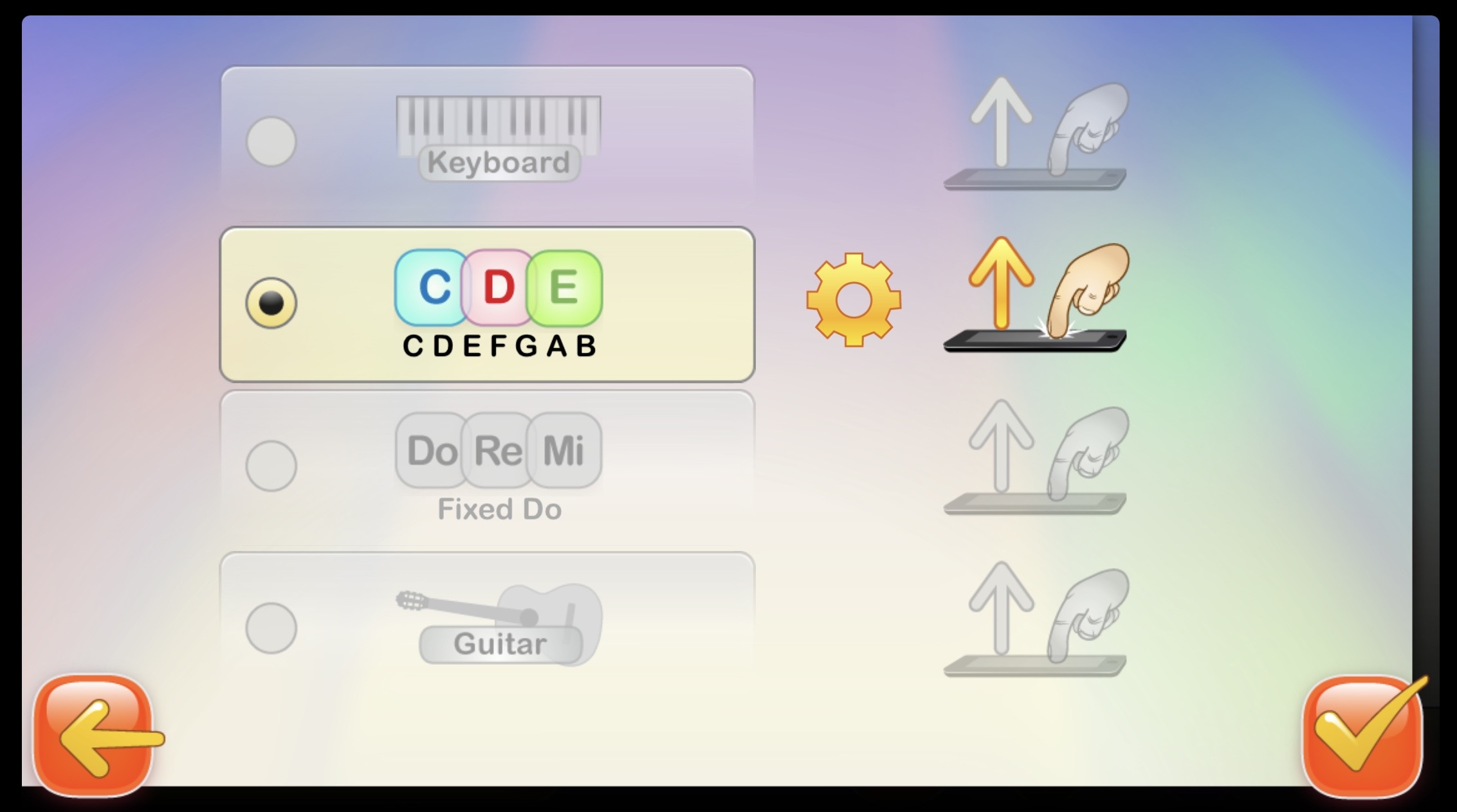
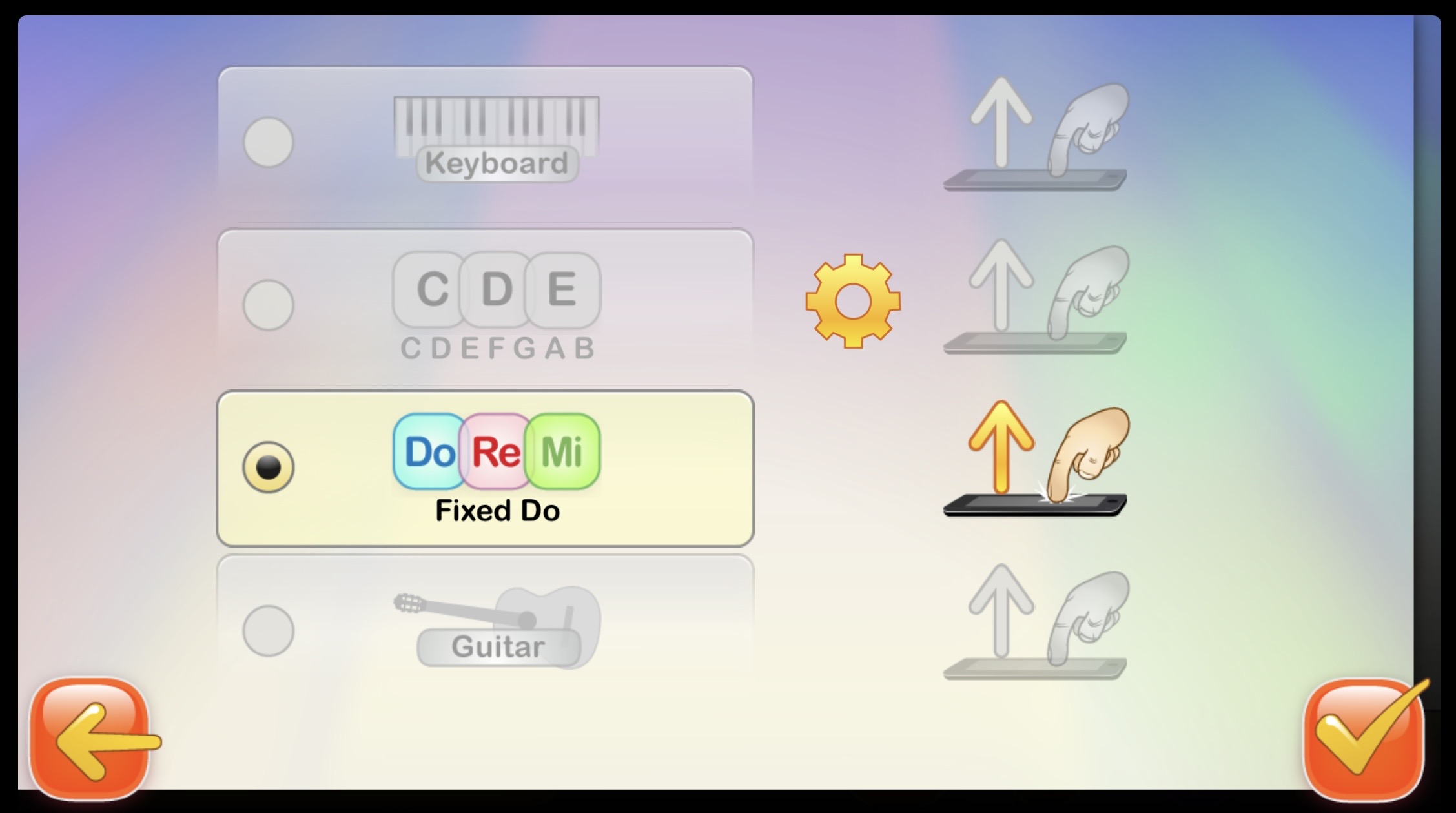
A note for our Conservatory students: If you already use solfège syllables, continue using them with your teacher; same with the letter system. Just because you start with a new teacher does not mean you need to relearn the note names. If you are a beginner, think about which system will work best for your long-term. If you need help deciding, ask your teacher. But feel free to switch between both for a real challenge!
Multiple Clefs: Treble, Bass, Alto, and Tenor
NoteWorks is not just for pianists or treble-clef readers. The app supports the treble, bass, and alto clefs, making it useful across instruments. Cellists and bassists can drill the bass clef, while viola students can work specifically on the alto clef, a clef that rarely has dedicated practice tools. This alone sets NoteWorks apart from many note-reading apps on the market.
Four Interface Modes
Beyond the naming system, you can also choose how you interact with the game. NoteWorks offers four input layouts:
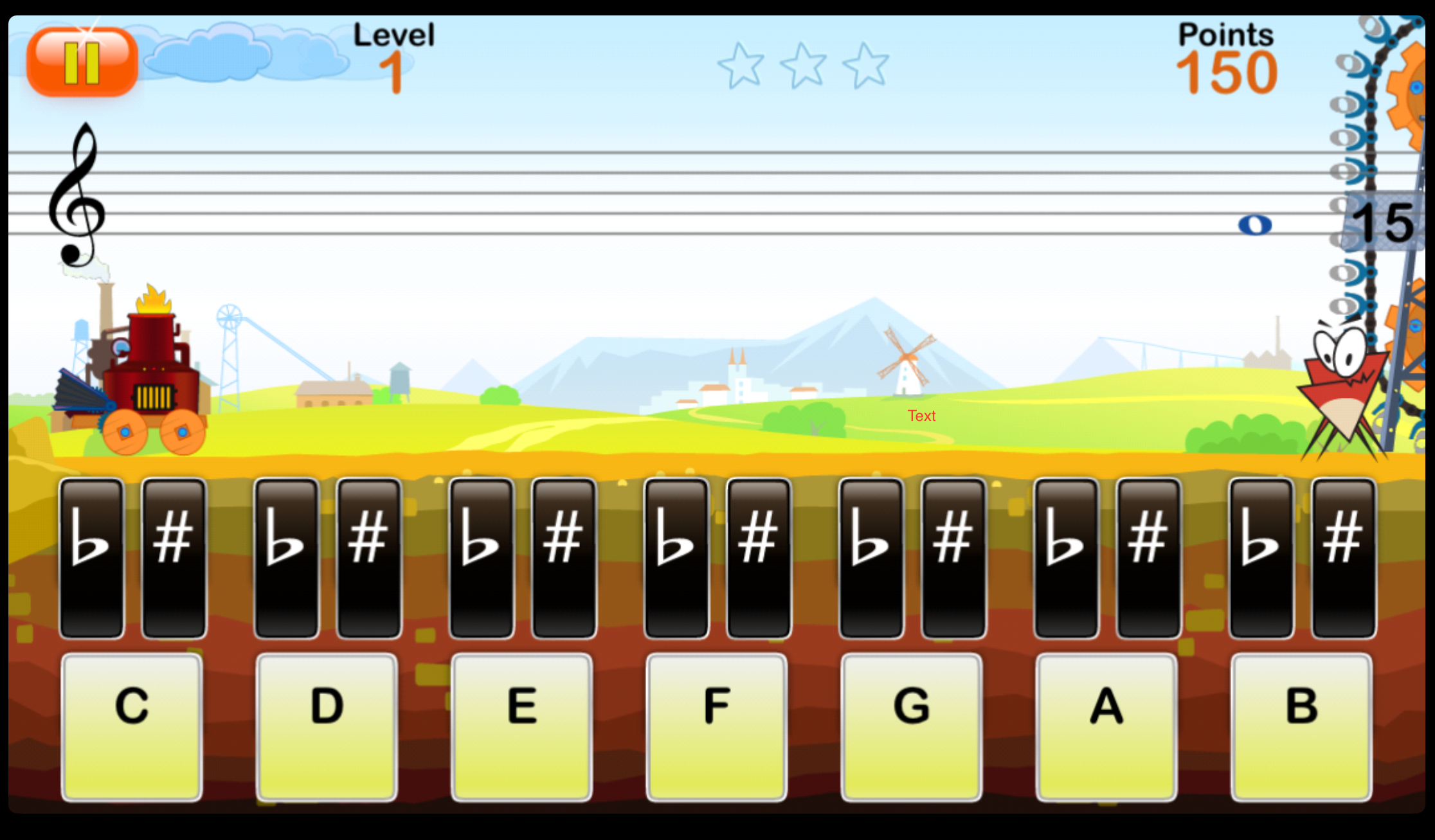
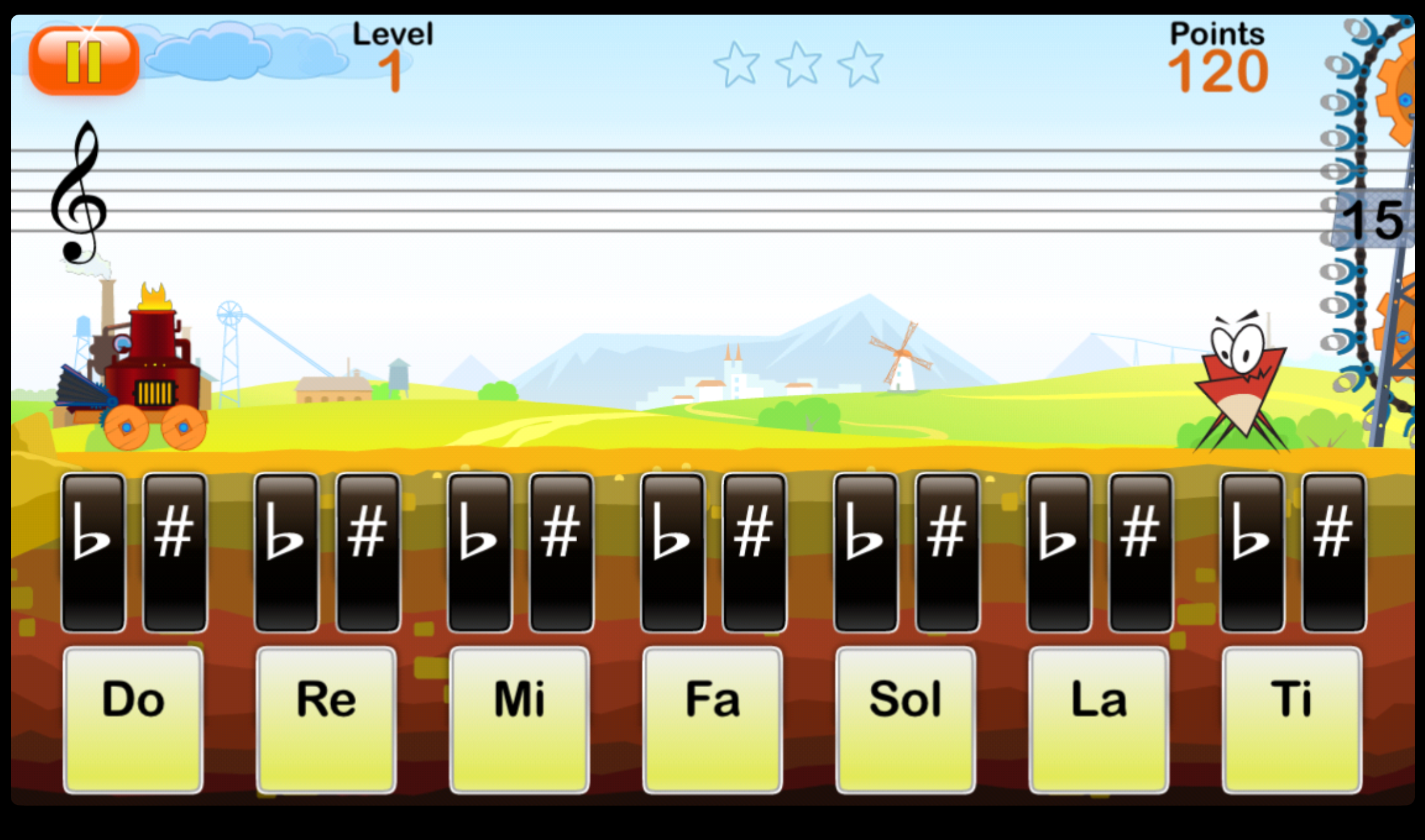
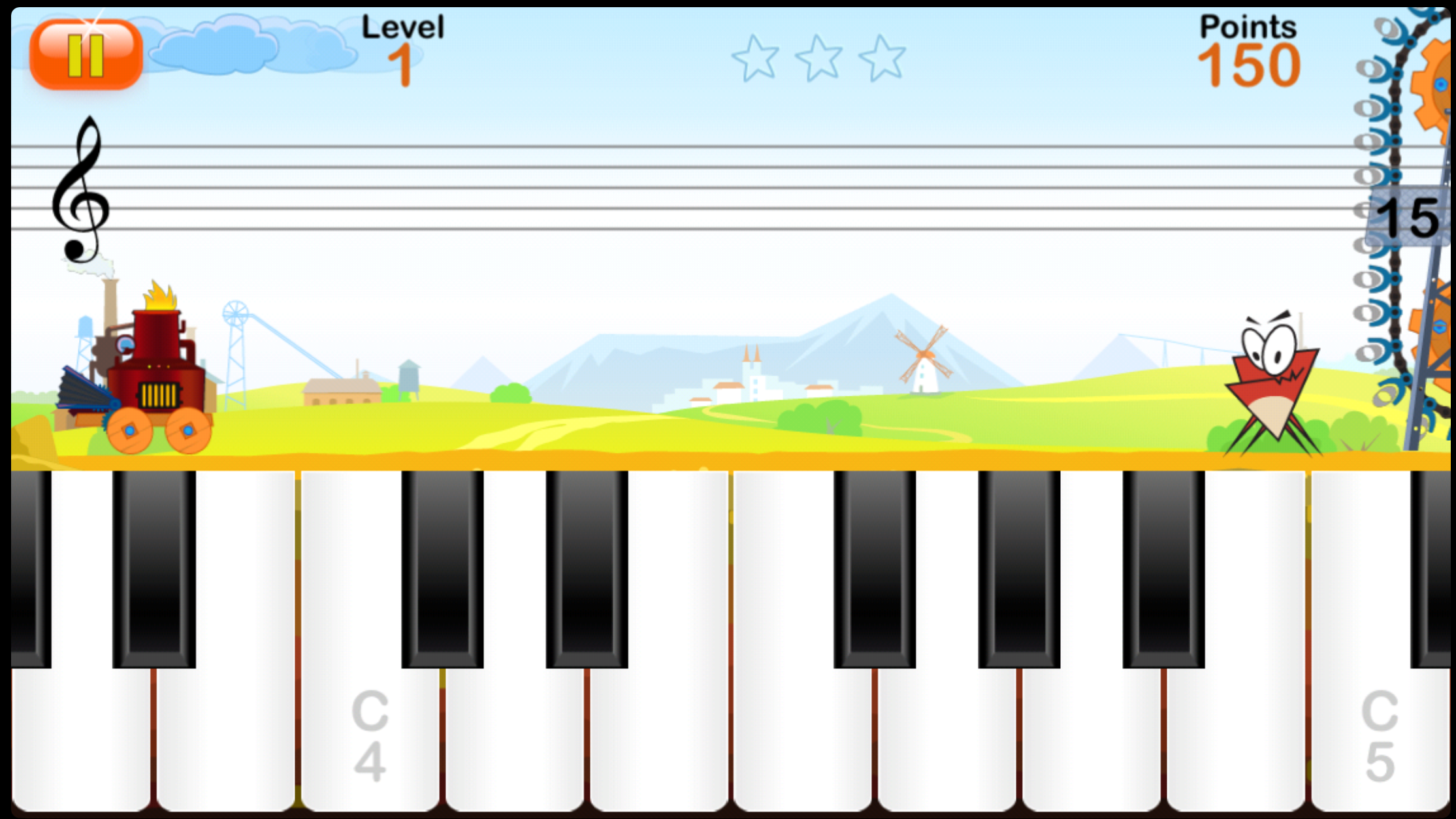
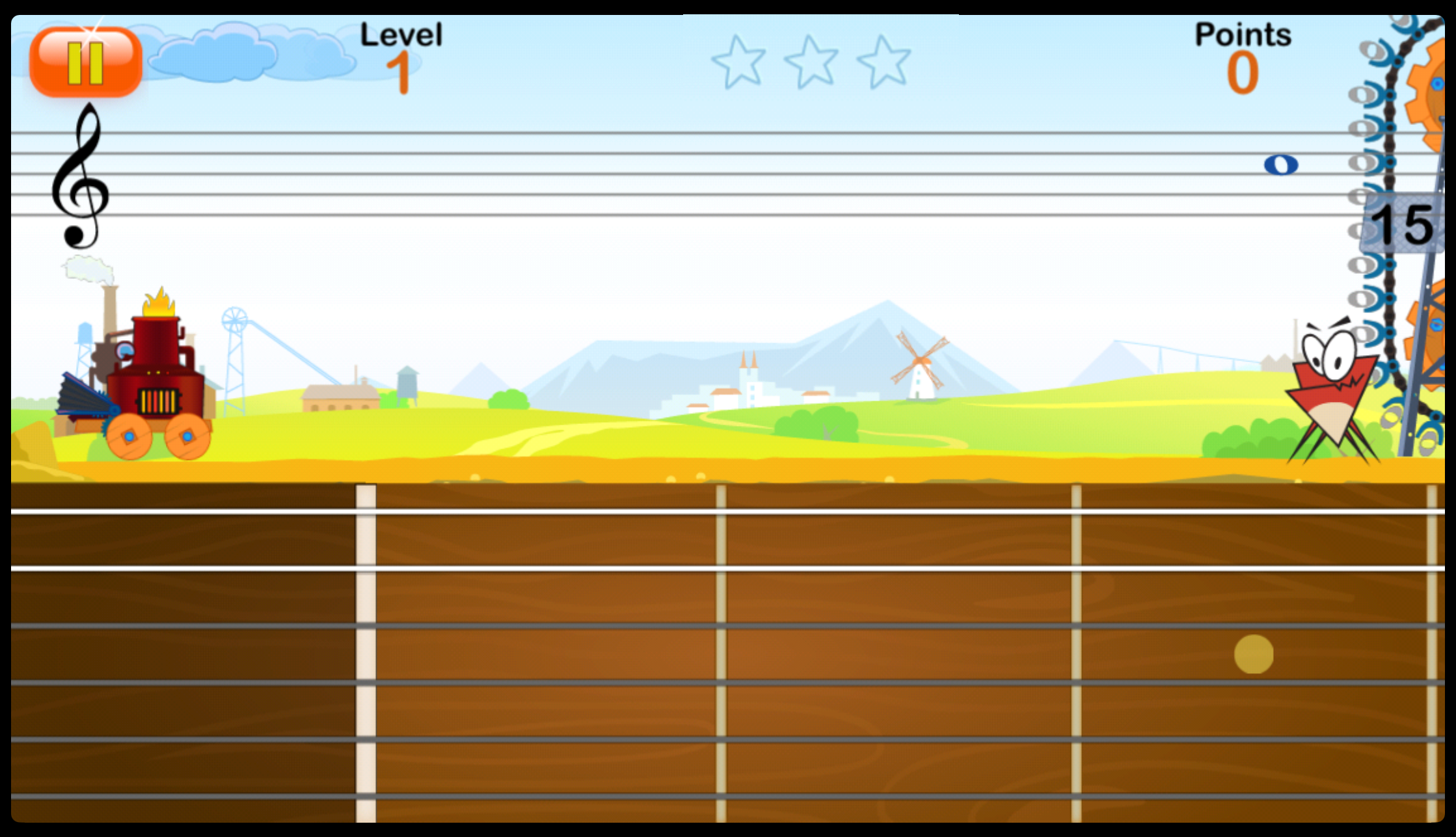
Noteworks’ guitar fretboard interface connects note names directly to fingerboard positions — perfect for guitar students.
Each mode reinforces note reading through a different lens, which is exactly the kind of multi-modal reinforcement that helps knowledge stick.
Our Recommendation
NoteWorks, the note-reading app for music students that is well-suited for all those who want to improve their note-reading speed and confidence. We suggest spending even just five to ten minutes with it a few times a week, or as a game to play with over the vacations. This app is easy to pick up, and the repetition adds up quickly.
It is available on iOS and Android. There are two separate purchases: smartphone and tablet versions. Beware, they do not communicate with one another. Ask your teacher which clef and naming mode to start with, and get reading!
Visit https://doremiworld.com/ to find the version for you!
